
Selected workCase study
E-CommerceFashion discovery and shopping application
Fit&Style — Fashion Discovery and Shopping Experience
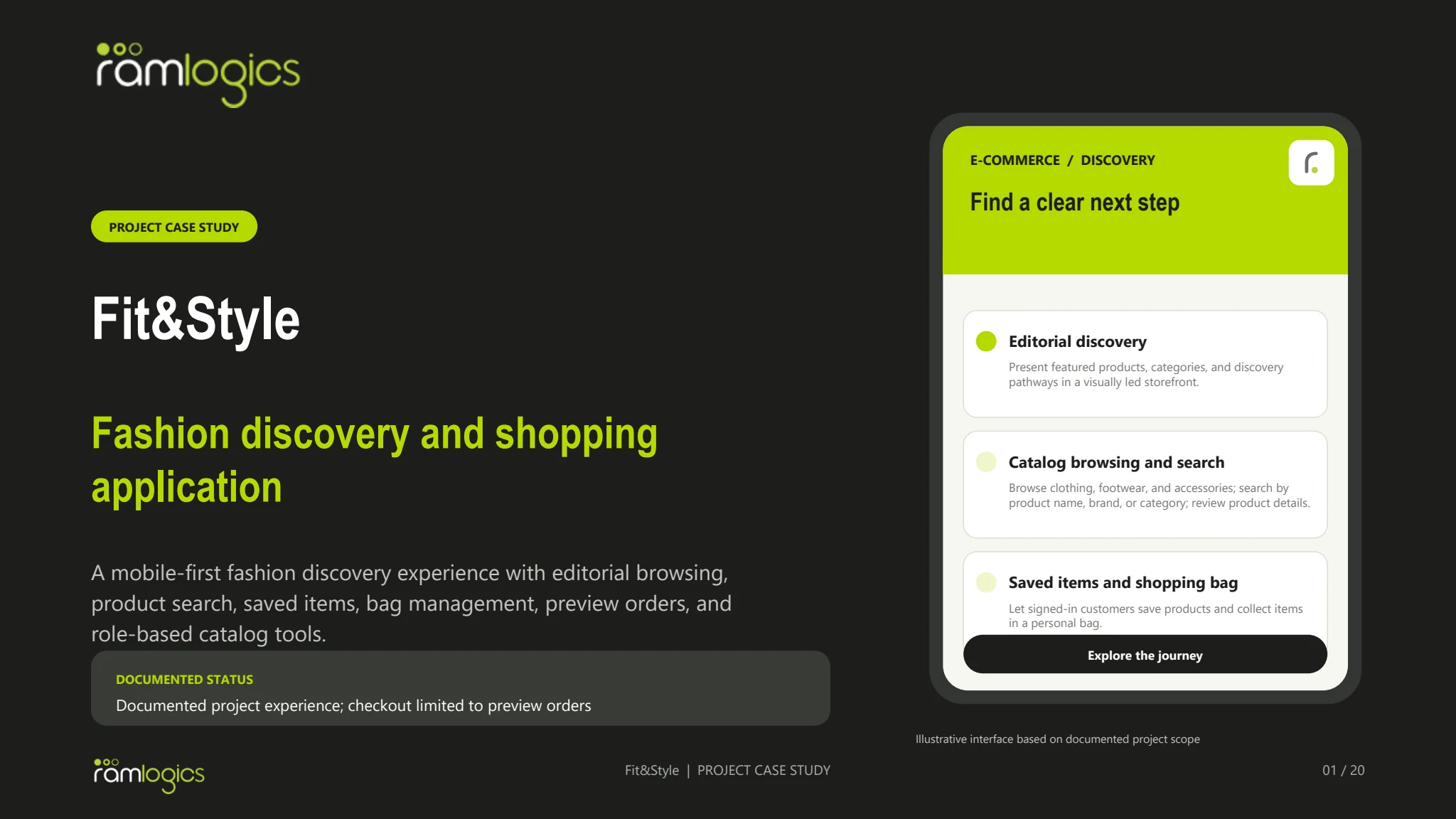
A mobile-first fashion discovery experience with editorial browsing, product search, saved items, bag management, preview orders, and role-based catalog tools.
The project
A clear idea, shaped into a useful product experience.
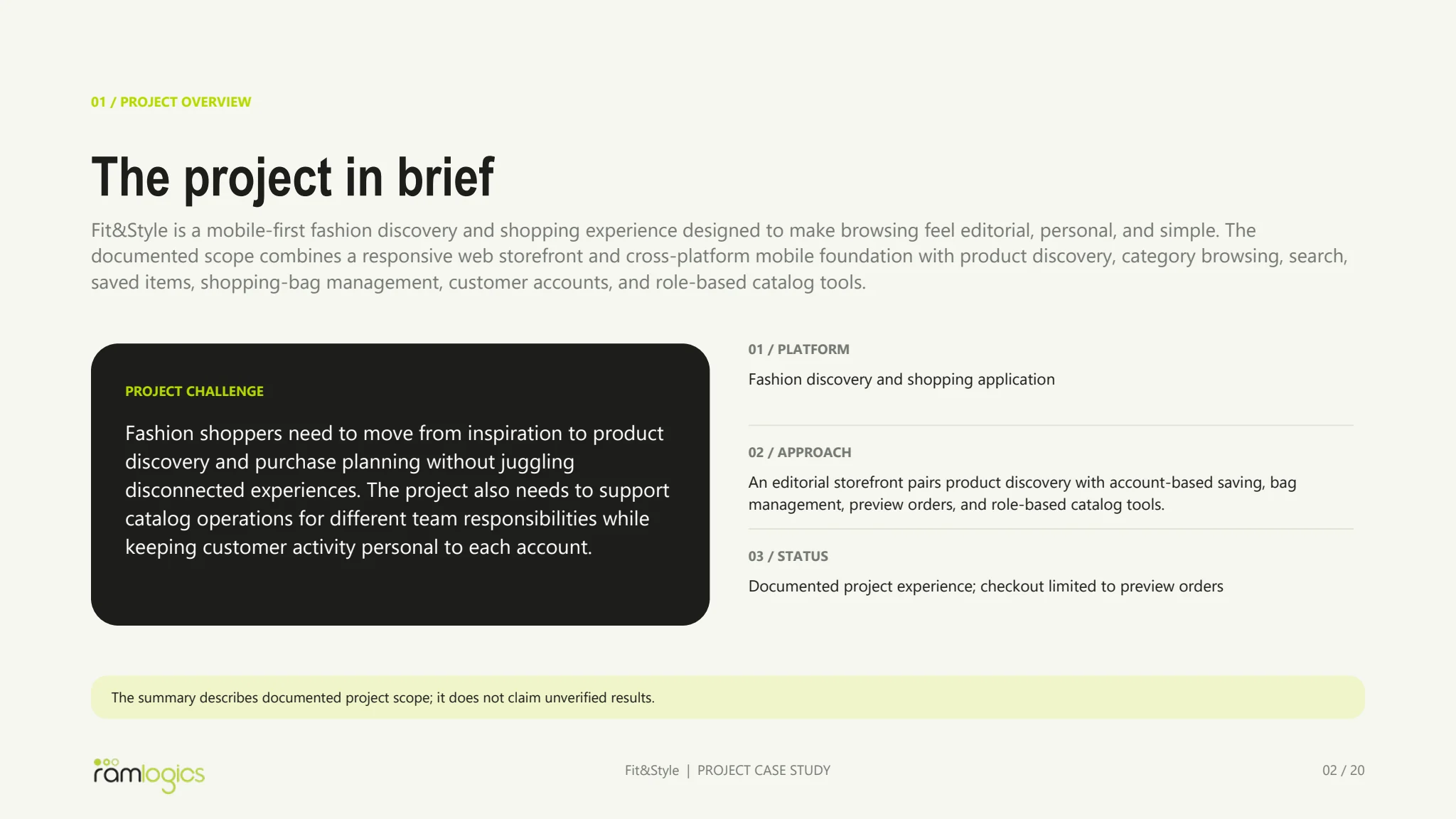
Fit&Style is a mobile-first fashion discovery and shopping experience designed to make browsing feel editorial, personal, and simple. The documented scope combines a responsive web storefront and cross-platform mobile foundation with product discovery, category browsing, search, saved items, shopping-bag management, customer accounts, and role-based catalog tools.
The challenge
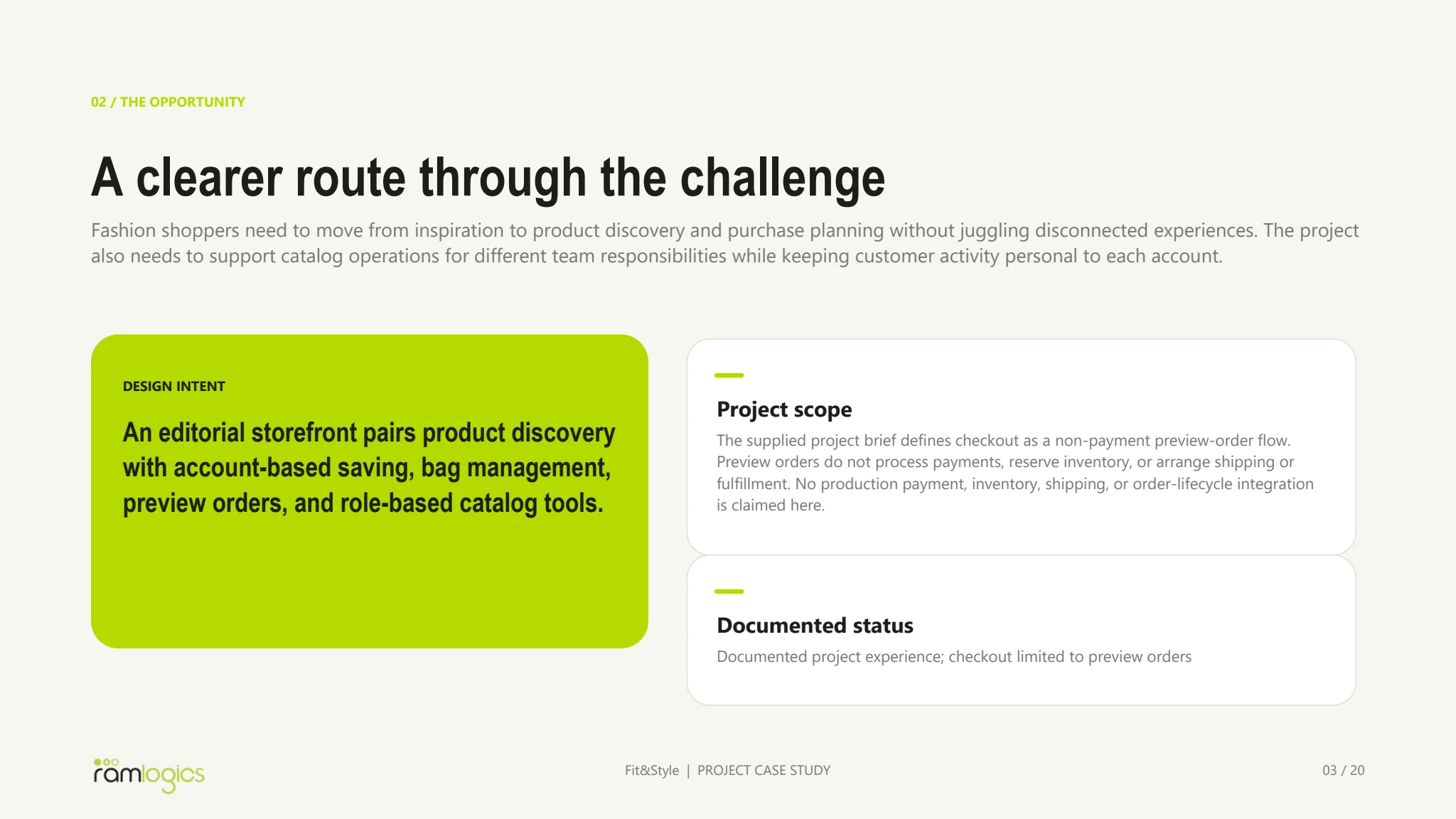
Fashion shoppers need to move from inspiration to product discovery and purchase planning without juggling disconnected experiences. The project also needs to support catalog operations for different team responsibilities while keeping customer activity personal to each account.
Our approach
An editorial storefront pairs product discovery with account-based saving, bag management, preview orders, and role-based catalog tools.
Understanding the context
The product starts with a situation worth making simpler.
Fit&Style is a mobile-first fashion discovery and shopping experience designed to make browsing feel editorial, personal, and simple. The documented scope combines a responsive web storefront and cross-platform mobile foundation with product discovery, category browsing, search, saved items, shopping-bag management, customer accounts, and role-based catalog tools.
Fashion shoppers need to move from inspiration to product discovery and purchase planning without juggling disconnected experiences. The project also needs to support catalog operations for different team responsibilities while keeping customer activity personal to each account.
Editorial discovery
Present featured products, categories, and discovery pathways in a visually led storefront.
Catalog browsing and search
Browse clothing, footwear, and accessories; search by product name, brand, or category; review product details.
Saved items and shopping bag
Let signed-in customers save products and collect items in a personal bag.
Defining the problem
A focused problem gives every screen a job to do.
Fashion shoppers need to move from inspiration to product discovery and purchase planning without juggling disconnected experiences. The project also needs to support catalog operations for different team responsibilities while keeping customer activity personal to each account.
How the work is framed
From a real need to a considered product direction.
This story follows the evidence available in the project brief. It separates the problem, the product decisions, the documented flow, and the final interface so the work is easy to review.
Understand the context
Fit&Style is a mobile-first fashion discovery and shopping experience designed to make browsing feel editorial, personal, and simple. The documented scope combines a responsive web storefront and cross-platform mobile foundation with product discovery, category browsing, search, saved items, shopping-bag management, customer accounts, and role-based catalog tools.
Define the opportunity
Fashion shoppers need to move from inspiration to product discovery and purchase planning without juggling disconnected experiences. The project also needs to support catalog operations for different team responsibilities while keeping customer activity personal to each account.
Shape the solution
An editorial storefront pairs product discovery with account-based saving, bag management, preview orders, and role-based catalog tools.
Review the result
The flow, interface documentation, and live product link make the proposed experience tangible and reviewable.
Product lenses
The people and moments this experience is designed to support.
Editorial discovery
Present featured products, categories, and discovery pathways in a visually led storefront.
Design focus Make this part of the journey clear, useful, and easy to return to.Catalog browsing and search
Browse clothing, footwear, and accessories; search by product name, brand, or category; review product details.
Design focus Make this part of the journey clear, useful, and easy to return to.Saved items and shopping bag
Let signed-in customers save products and collect items in a personal bag.
Design focus Make this part of the journey clear, useful, and easy to return to.Accounts and preview orders
Support customer accounts, profile and session workflows, non-payment preview orders, and personal order history.
Design focus Make this part of the journey clear, useful, and easy to return to.Role-based catalog tools
Allow authorized staff to feature products and administrators to feature products and add catalog items.
Design focus Make this part of the journey clear, useful, and easy to return to.Selected interface story
Three views that explain the product without making visitors browse a document archive.
The brief is edited into a short visual narrative: what the product is, how the main experience is organised, and what the documented scope includes.
In the browser
Explore the product experience.
Load the live product previewThe preview loads only when you open it. Some product sites may restrict embedding.
If the embedded preview is unavailable, open the product in a new tab using the link above.
Product direction
The capabilities that shape the experience.
Editorial discovery
Present featured products, categories, and discovery pathways in a visually led storefront.
Catalog browsing and search
Browse clothing, footwear, and accessories; search by product name, brand, or category; review product details.
Saved items and shopping bag
Let signed-in customers save products and collect items in a personal bag.
Accounts and preview orders
Support customer accounts, profile and session workflows, non-payment preview orders, and personal order history.
Role-based catalog tools
Allow authorized staff to feature products and administrators to feature products and add catalog items.
The primary flow
A sequence that makes the next action clear.
- 01
Discover the collection
Explore editorial storefront content and browse clothing, footwear, or accessories.
- 02
Find and review products
Search the catalog and open product details, including available interface options.
- 03
Save or collect items
Sign in to save products and manage a personal shopping bag.
- 04
Preview an order
Submit a non-payment preview order and review personal order history.
Selected interface views
The key screens, shown at a useful size.
The product language
A system that keeps the experience coherent as it grows.
The case-study record is used as the source of truth for the product direction. The interface, flow, and documentation stay connected to the same scope instead of presenting isolated screens.
Boundary: Documented project experience; checkout limited to preview orders
Conclusion and design notes
What the documented product covers.
The supplied project brief defines checkout as a non-payment preview-order flow. Preview orders do not process payments, reserve inventory, or arrange shipping or fulfillment. No production payment, inventory, shipping, or order-lifecycle integration is claimed here.
Documented status: Documented project experience; checkout limited to preview orders
Have a product idea?
Let’s make the next one yours.
Tell us what you are building and we’ll help plan a practical next step.