
Selected workCase study
CRM and Business DirectoryMobile-first B2B sales workspace
CRMDirectory Sales Workspace
A mobile-first sales workspace for customer relationships, deal pipelines, follow-up tasks, and organization-scoped access.
The project
A clear idea, shaped into a useful product experience.
CRMDirectory brings core B2B sales workflows into a clear, mobile-friendly workspace for the web and supported mobile platforms. Its documented scope covers organization workspaces, contacts, deals, tasks, pipeline summaries, and role-aware access for administrators, managers, and sales representatives.
The challenge
Sales teams need a dependable way to keep customer relationships, deal progress, and follow-up work connected. Teams also need organization and record-level access that reflects different responsibilities.
Our approach
An organization-scoped workspace combines sales overview, searchable contacts, deal stages, and follow-up tasks, with role and record access enforced by the application.
Understanding the context
The product starts with a situation worth making simpler.
CRMDirectory brings core B2B sales workflows into a clear, mobile-friendly workspace for the web and supported mobile platforms. Its documented scope covers organization workspaces, contacts, deals, tasks, pipeline summaries, and role-aware access for administrators, managers, and sales representatives.
Sales teams need a dependable way to keep customer relationships, deal progress, and follow-up work connected. Teams also need organization and record-level access that reflects different responsibilities.
Workspace and account setup
Create accounts and organization workspaces to organize sales activity.
Role-aware access
Support Admin, Manager, and Sales Rep responsibilities with organization and record-owner authorization.
Contacts and deals
Search customer contacts and track opportunities through documented deal stages.
Defining the problem
A focused problem gives every screen a job to do.
Sales teams need a dependable way to keep customer relationships, deal progress, and follow-up work connected. Teams also need organization and record-level access that reflects different responsibilities.
How the work is framed
From a real need to a considered product direction.
This story follows the evidence available in the project brief. It separates the problem, the product decisions, the documented flow, and the final interface so the work is easy to review.
Understand the context
CRMDirectory brings core B2B sales workflows into a clear, mobile-friendly workspace for the web and supported mobile platforms. Its documented scope covers organization workspaces, contacts, deals, tasks, pipeline summaries, and role-aware access for administrators, managers, and sales representatives.
Define the opportunity
Sales teams need a dependable way to keep customer relationships, deal progress, and follow-up work connected. Teams also need organization and record-level access that reflects different responsibilities.
Shape the solution
An organization-scoped workspace combines sales overview, searchable contacts, deal stages, and follow-up tasks, with role and record access enforced by the application.
Review the result
The flow, interface documentation, and live product link make the proposed experience tangible and reviewable.
Product lenses
The people and moments this experience is designed to support.
Workspace and account setup
Create accounts and organization workspaces to organize sales activity.
Design focus Make this part of the journey clear, useful, and easy to return to.Role-aware access
Support Admin, Manager, and Sales Rep responsibilities with organization and record-owner authorization.
Design focus Make this part of the journey clear, useful, and easy to return to.Contacts and deals
Search customer contacts and track opportunities through documented deal stages.
Design focus Make this part of the journey clear, useful, and easy to return to.Tasks and sales overview
Review pipeline, contacts, and tasks due, then manage follow-up work.
Design focus Make this part of the journey clear, useful, and easy to return to.Selected interface story
Three views that explain the product without making visitors browse a document archive.
The brief is edited into a short visual narrative: what the product is, how the main experience is organised, and what the documented scope includes.
In the browser
Explore the product experience.
Load the live product previewThe preview loads only when you open it. Some product sites may restrict embedding.
If the embedded preview is unavailable, open the product in a new tab using the link above.
Product direction
The capabilities that shape the experience.
Workspace and account setup
Create accounts and organization workspaces to organize sales activity.
Role-aware access
Support Admin, Manager, and Sales Rep responsibilities with organization and record-owner authorization.
Contacts and deals
Search customer contacts and track opportunities through documented deal stages.
Tasks and sales overview
Review pipeline, contacts, and tasks due, then manage follow-up work.
The primary flow
A sequence that makes the next action clear.
- 01
Establish a workspace
An administrator creates an account and organization workspace.
- 02
Organize relationships
Find and maintain customer contacts in the sales workspace.
- 03
Track opportunities
Review deals and their current pipeline stages.
- 04
Plan follow-up
Use tasks and contact actions to keep next steps visible.
Selected interface views
The key screens, shown at a useful size.
The product language
A system that keeps the experience coherent as it grows.
The case-study record is used as the source of truth for the product direction. The interface, flow, and documentation stay connected to the same scope instead of presenting isolated screens.
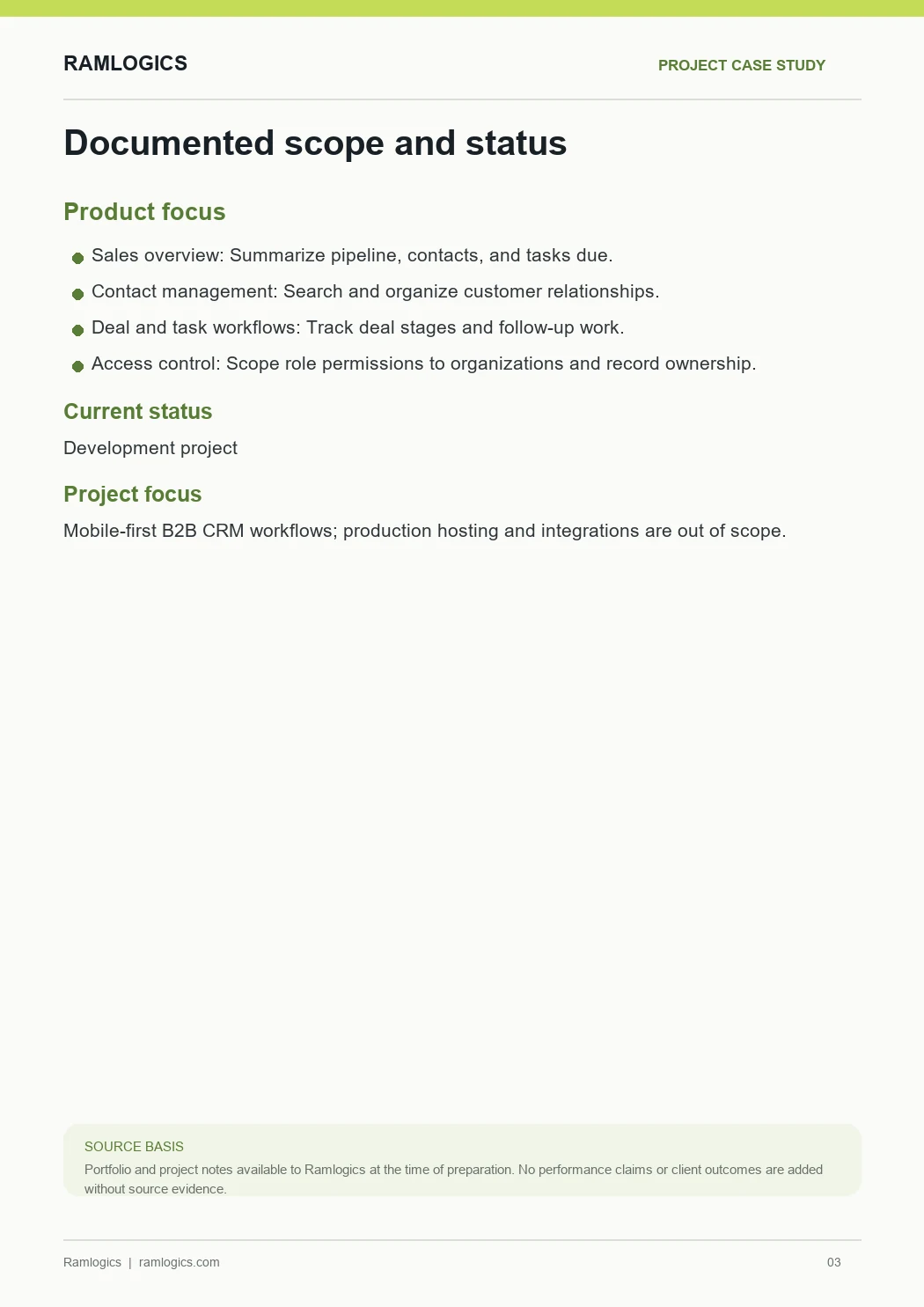
Boundary: Documented sales workspace; production hosting and CRM integrations out of scope
Conclusion and design notes
What the documented product covers.
The project documentation identifies production hosting, production customer data, and third-party CRM integrations as out of scope. The case study describes documented application workflows and does not claim integration with an external CRM.
Documented status: Documented sales workspace; production hosting and CRM integrations out of scope
Have a product idea?
Let’s make the next one yours.
Tell us what you are building and we’ll help plan a practical next step.